-
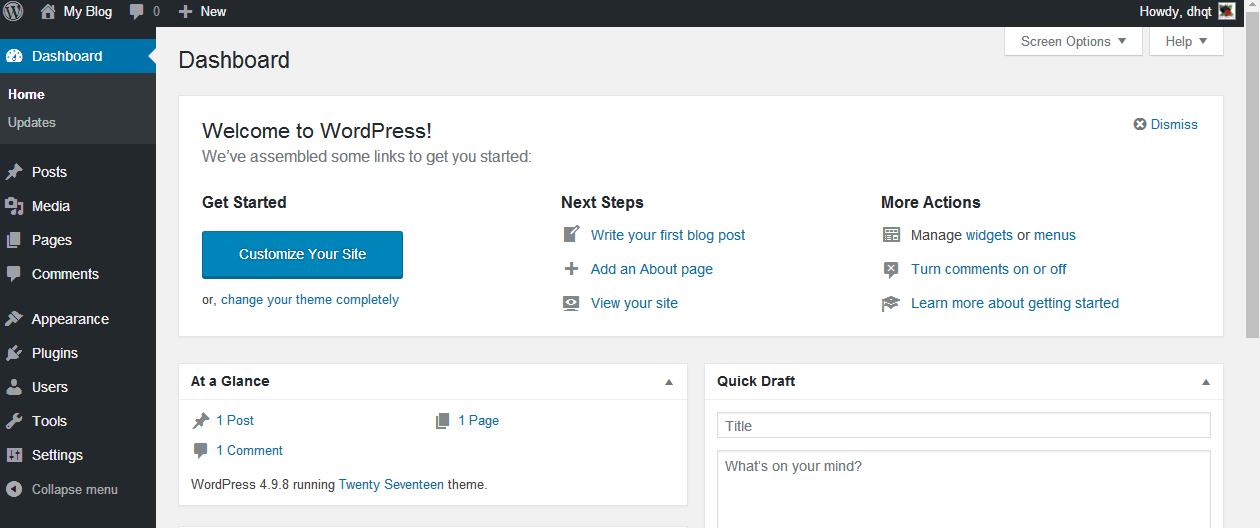
Prepare a new blank WordPress website.
2. Install Wp-Directory theme
After purchased the Directory theme from xwpthemes.com, you will get the installation theme file.
Go to Appearance -> Themes and upload the theme file from xwpthemes.com as all other wordpress theme.
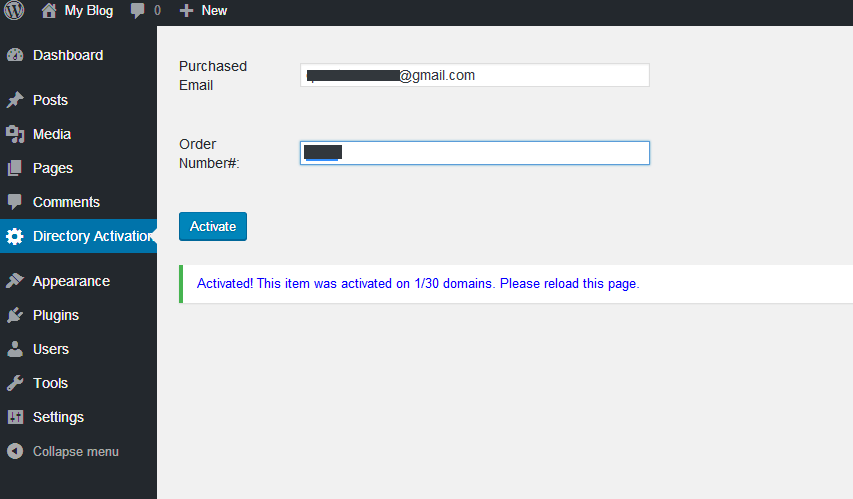
3. Active the Directory theme and active the license.
You need the put the email you used to purchase the theme and the order’s number. You can found this information in the email my system sent to your email.
4. Download and import sample contents.
You can download the sample data here (Right click->Save as…)
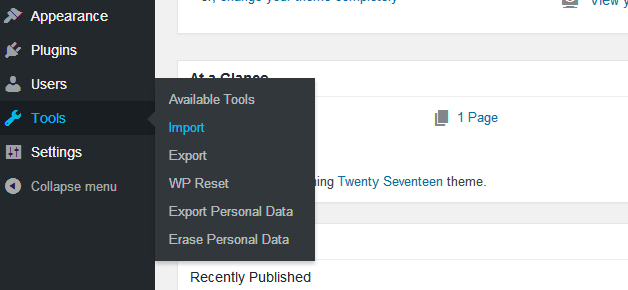
Then go to Tools -> Import and install /run Importer of WordPress to import this data
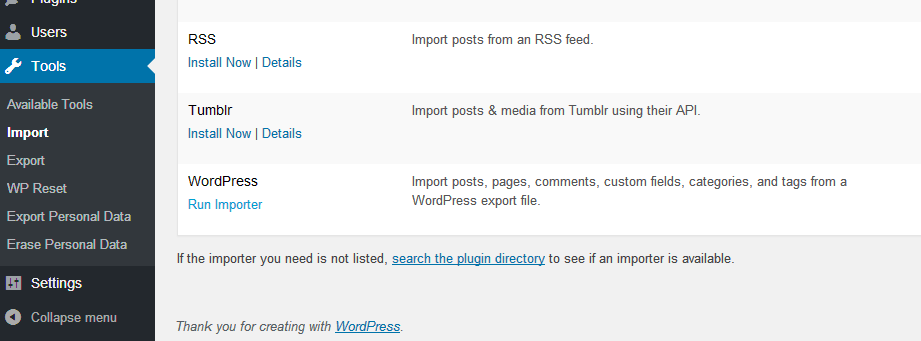
5. Select the .xml sample data file to run with the Importer
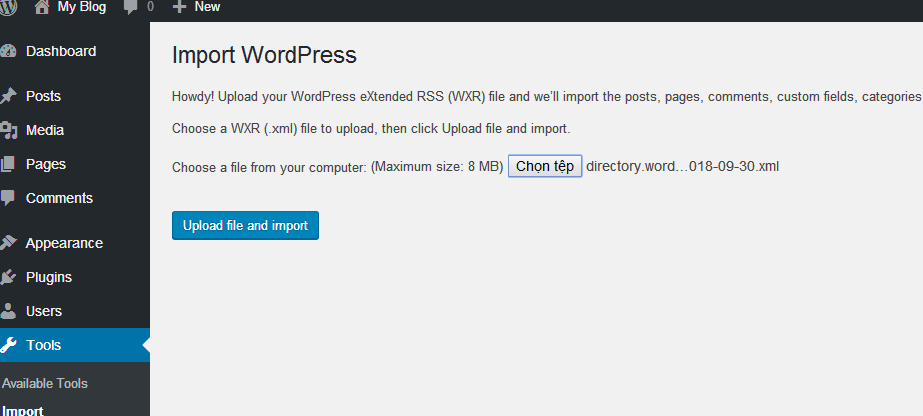
Browse to the .xml file you have just downloaded and click Upload file and import
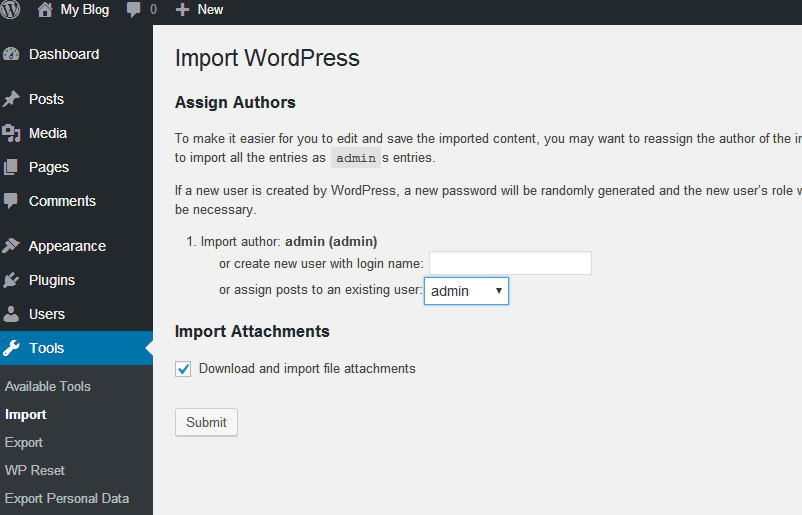
Assign posts to an existing user and check on the option Download and import file attachments
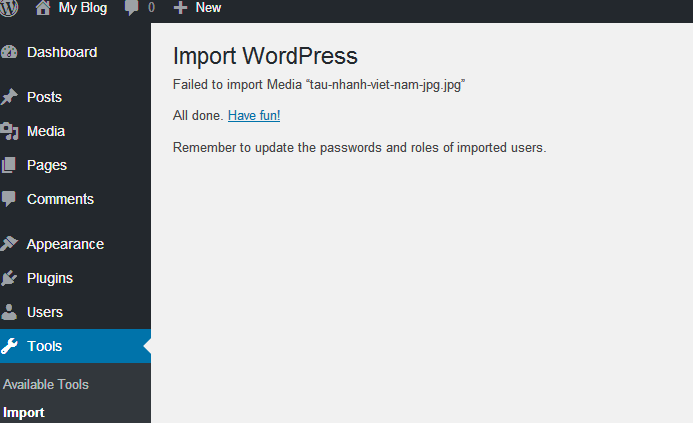
Wait some minutes and you will get your data imported.
6. Set the home page
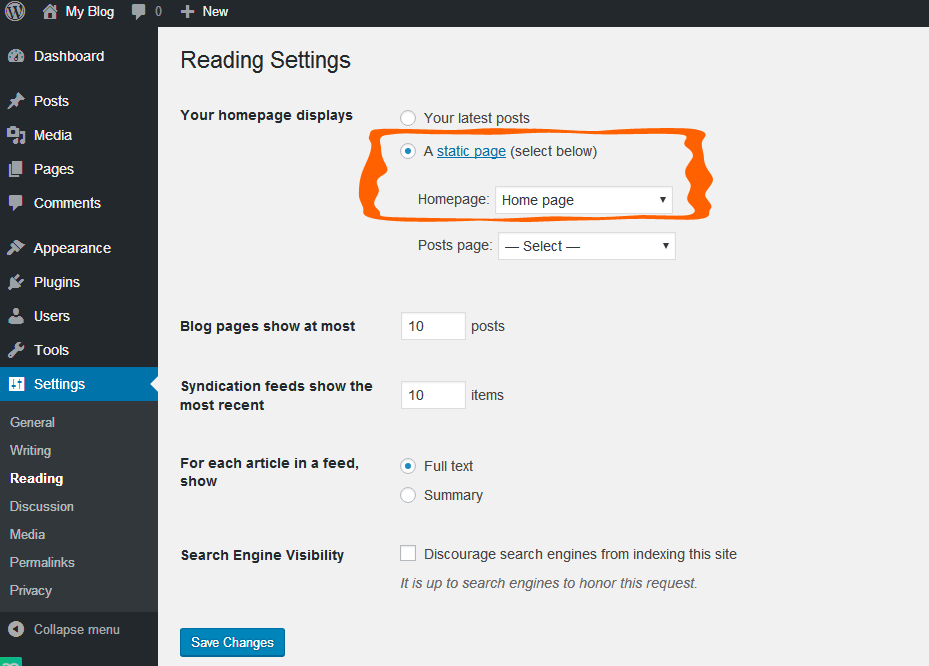
Go to Settings -> Reading and set Your home page display to A static page with Homepage is “Home page” from the dropdown menu.
7. Set the main menu
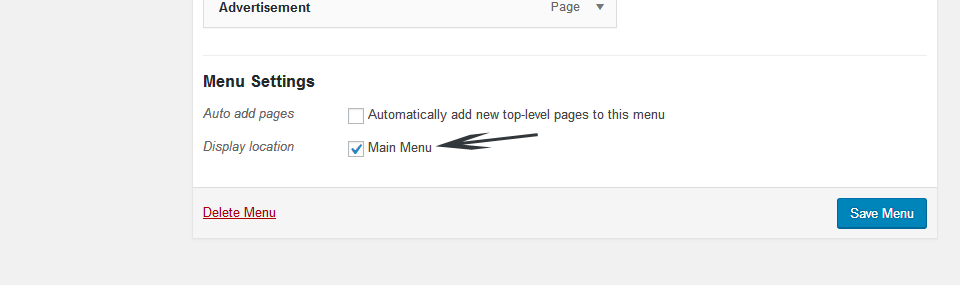
Go to Appearance -> Menus and you will see a sample menu, change it and set the Display location is Main Menu, then click Save Menu
8. Get you home page ready
Well, go to home page and you will have your site with demo content.
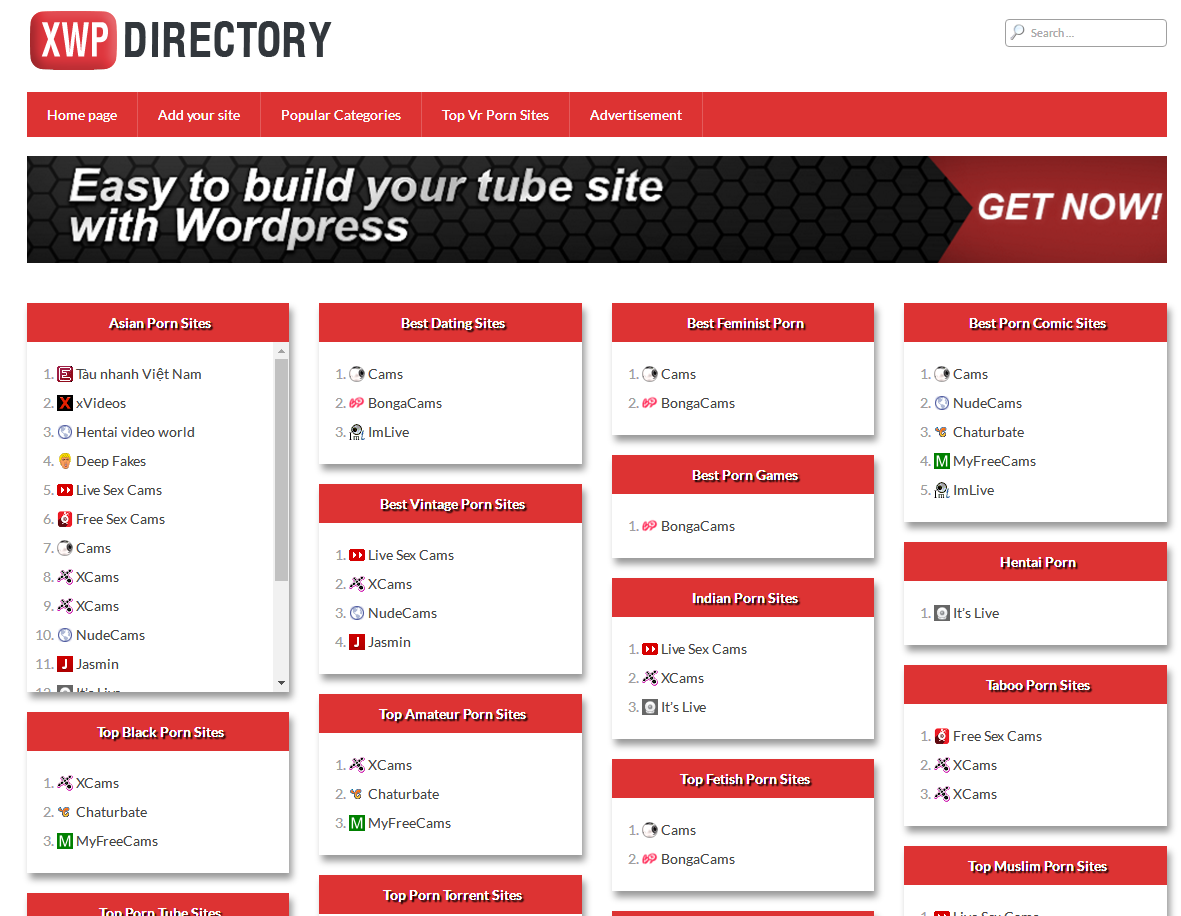
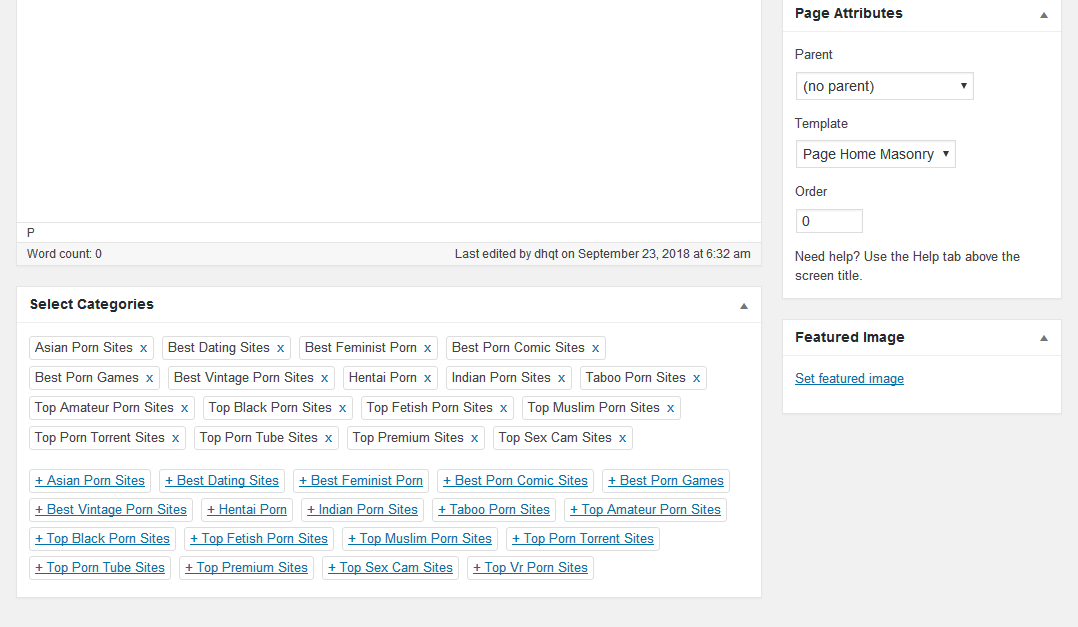
To re-order the categories on home page, you can go to Pages -> All Pages and edit the Home page, you can add/remove/re-arrange the catogories which displayed on your home page.
9. Add, edit links
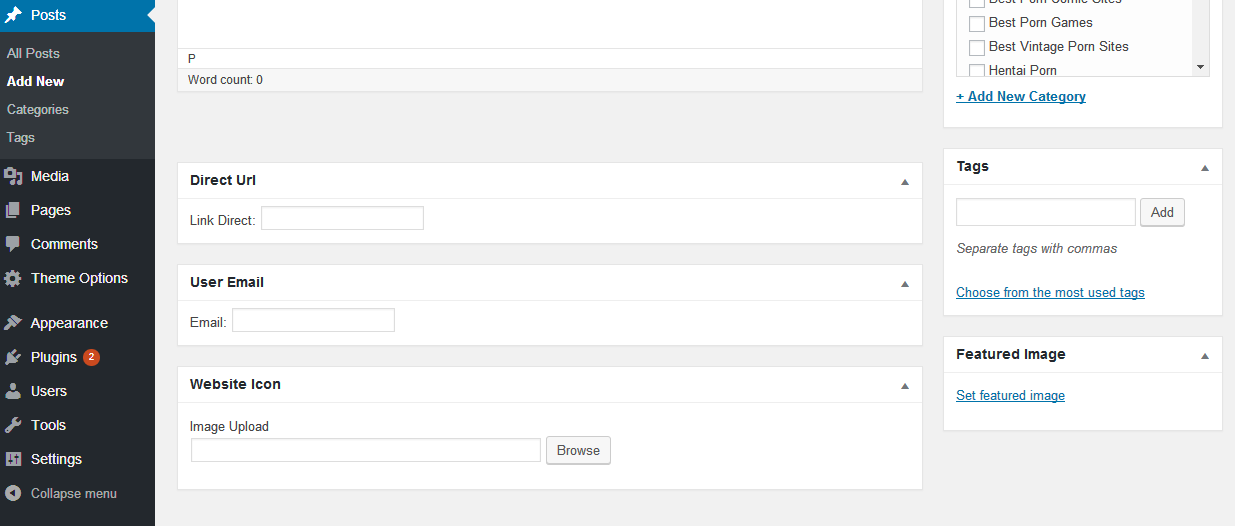
You can create new link to display on your home page the same way to create new post. Just go to Posts->Add New and put your new content here, you can give the URL of your favorite sites and the screenshot, website icon will be get automatically or you can upload it manually.